New Notebook set up: Unnecessary Software removal
First of all, check which Software has already been supplied. If you installed Windows yourself, skip this step. Otherwise, you often get trial versions of programs. These are after the expiration of a probationary period of usually 30 days for a fee and have no more function.
- If you don't want to use the Tools in the long term, you should uninstall the demo versions are the same. In order to avoid the work after the expiry of the trial period. Free Anti-virus scanner such as Avira have similar protection features as the expensive pre-installed affiliate programs.
- Be careful not to uninstall the special drivers. Often, separate driver interfaces such as Touchpad or screen are necessary. Therefore you should find out beforehand about the programs you uninstall.
- If you are not sure whether you have uninstall a program can create a restore point. So you can make the process of rolling back Changes.
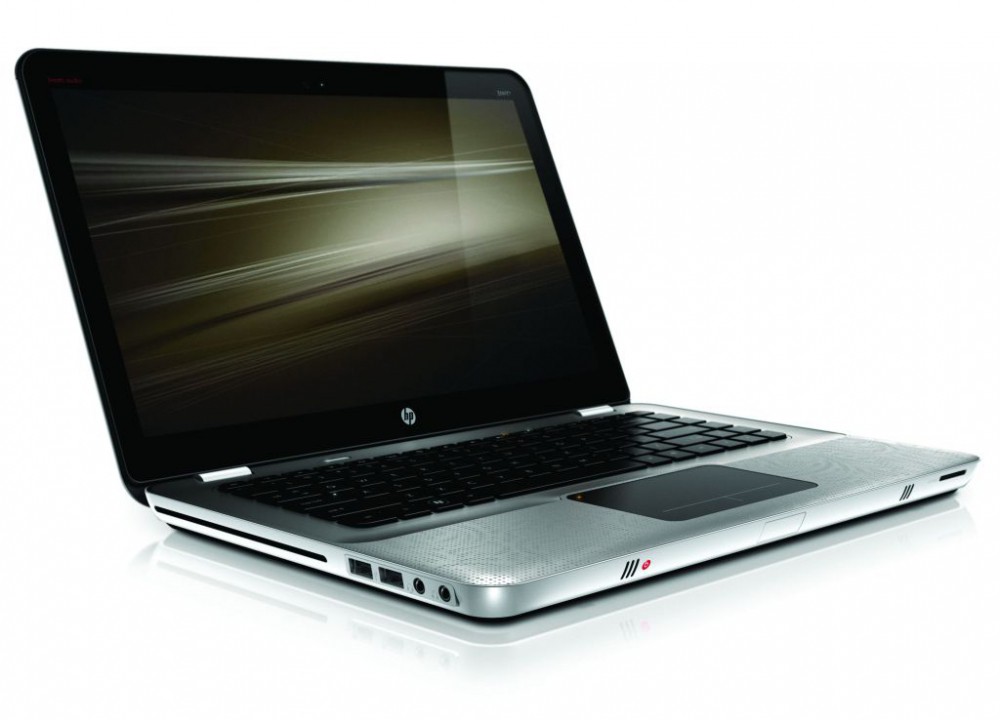
Notebook set-up: tips
All the necessary programs for your Notebook set up
Basically, your Notebook should have an Anti-virus program. Just if you are mobile in other networks than your home network on the go, you should protect yourself from viruses.
- Windows has Windows Defender, which does not ensure complete protection. You can add the Tool by free Software. In a further article, read more about the test winner in the area of the virus scanner.
- In addition to drivers for audio, video, and Internet communication programs such as Skype and Thunderbird practically.
- Depending on how critical your applications on the Notebook, you should have a secure password set.
- Also need a Browser like Chrome or Firefox - the pre-install Internet Explorer lacks many important functions.
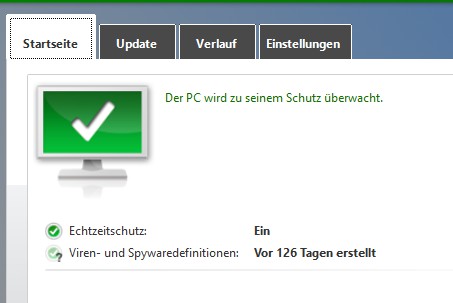
Programs on Notebook set-up
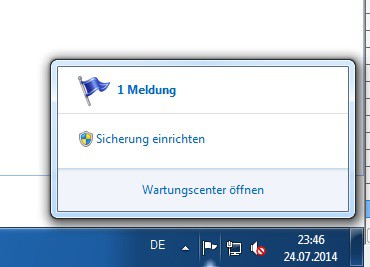
New Notebook set up
If you have on your new laptop already has Windows 10 installed, you can also have multiple Desktop parallel open.