
Tesla crypt: So you protect yourself from Ransomware
The malicious software Tesla crypt spread through E-Mails. She appears to be in the ZIP-attachment of Spam E-Mails. If you are installing containing file, data is encrypted on your PC. Following a ransomware message will appear. You will be asked to pay a ransom for your data to be decrypted.
- Plan ahead: Open senders only trusted attachments of confidence.
- Create a Backup of your data. So you have in the worst case, unencrypted copies of your encrypted data.
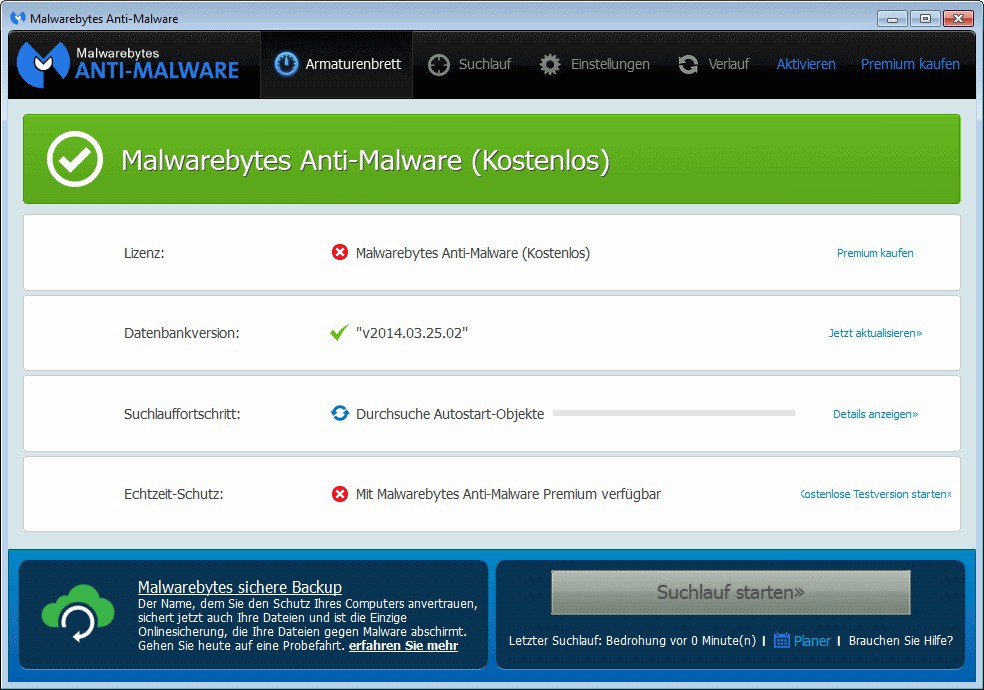
- Install a Anti-virus Software such as Avast AntiVirus on your PC. Also a Malware fighter like Malwarebytes can't hurt.
- Check email attachments before you open them. In addition, practical tips will show you for example how you mail in Thunderbird, click on the virus check.
Tesla crypt remove
Tesla crypt: What to do in case of an infestation?
The required money should you pay the Blackmailers in no case. It is best to reset your PC. In further articles we will show you how the Windows 10, Windows 8 and Windows 7 works.
- You should store the encrypted data if you need it still, on an external Medium.
- It could be that soon, a decryption code is published. Then you can restore the data. Until then, you have to be patient but.
- In a further article we will show you how you can with Malwarebytes right deal.
Expertiger: Support if you have questions about Computer and Internet





