
Windows 10: Update on the you can do now
- You first start your PC and log in again.
- Then press the key combination [Windows] + [I], and then click "Update security" > "Windows Update".
- Then click on the Button "search for Updates" if Windows has not done this automatically.
- Wait until the Update has been successfully installed.
- There are still problems or errors, make sure that you have sufficient free disk space.
- Otherwise, you can use this Tool to fix Windows Update.
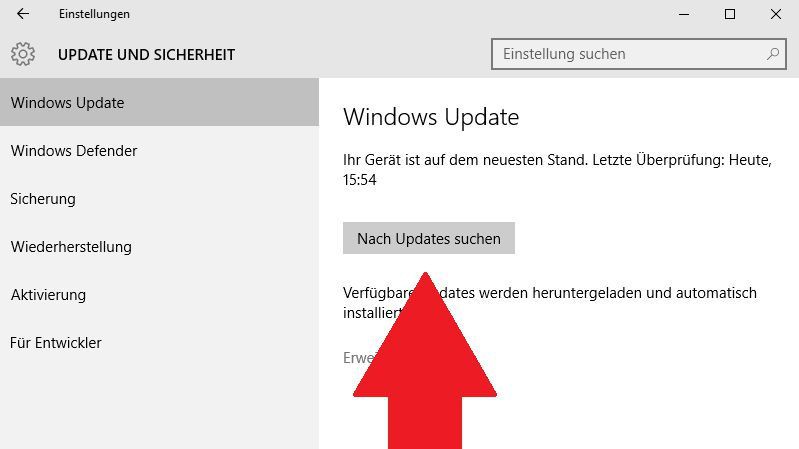
Windows 10: Update depends
What you can do when Windows 10 Updates are not downloaded will show in the next tip.




