
The Info-Center in Windows 10 disable
The Info-Center is available from an Icon in the Windows taskbar. You can disable this icon is also turned off the Info Center:
- Press the key combination [Windows] + [I] and wait until the Windows open settings.
- In the new window, click "personalization" and then on the left on the "taskbar".
- Scroll down to the section "notification area" and click on the entry "system icons on or off".
- There you can disable the "Info-Center".
- As a result, the Info bar will disappear-the area from the task. Press the key combination [Windows] + [A] but he is continues to be accessible.
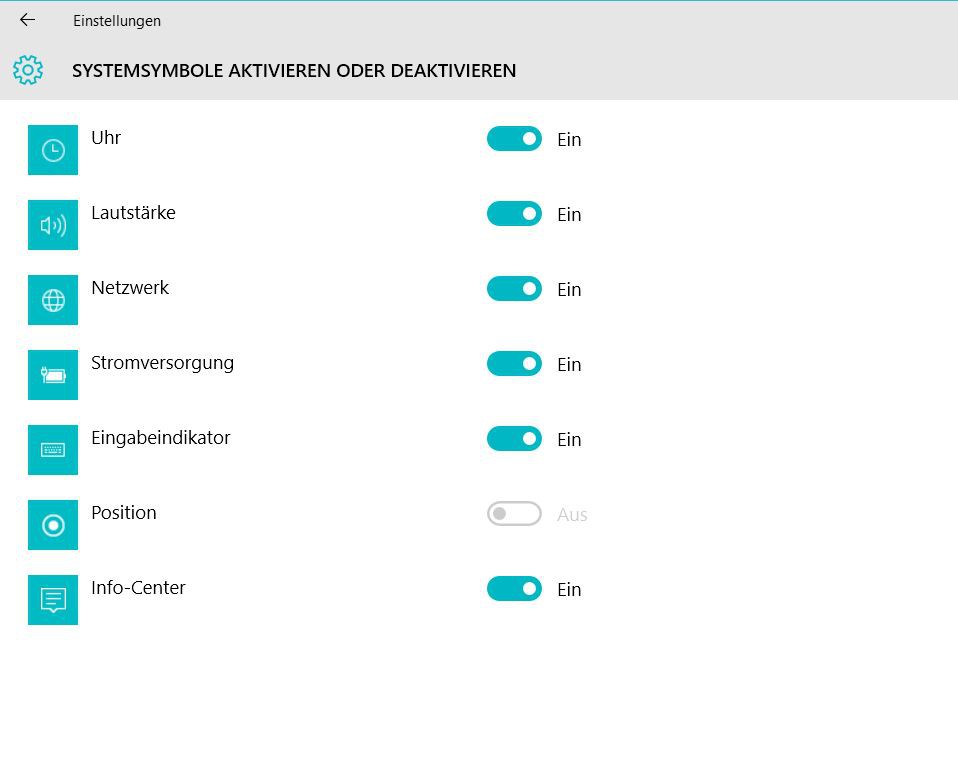
Win 10: the Info-Center disable
Win 10: the Info-Center switch-off
You want to Windows 10 visually improve, you can use the start menu and the taskbar transparent.





