
What is the RDP? - You need to know
- RDP is short for Remote Desktop - allows you to computer through the Internet by remote control. This mouse and keyboard input is transmitted to the target device and the screen is mirrored.
- Often RDP is used in larger companies. So, for example, the Administrator of his Desk and Software can install on other computers.
- You can control your PC via RDP if you have Windows 7, 8, 8.1, or 10 in the Pro version. Otherwise, you need to to Alternatives such as TeamViewer to Dodge. On Linux, it is usually VNC uses.
- To your computer via RDP by remote control, open the control panel and click "System and security". Then press on "System" and then click "remote settings". Here you can enable the "remote connections to this Computer allow".
- Now you can access it across the network on this computer. For a connection from the Internet you need to give the Port TCP 3389 and port forwarding set.
- If you need your computer by means of RPD remote control want recommended Wake-on-LAN set up in order for your Computer to remotely turn on can.
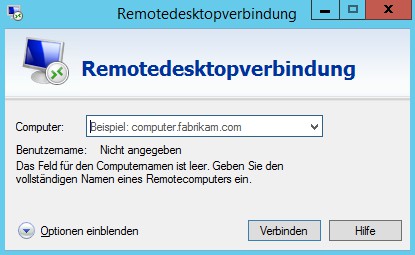
What is the RDP? Simply explained
In the next tip you will learn how to a Windows folder on the network.





