
Wrong permissions for Windows Search directories - what to do?
- You first need to enter the search term "Search" in the Windows search and open the Tool "identify problems with Windows Search and fix".
- In the next window click on "Advanced" and select the Option "repair automatically". With "Next" to start the wizard. Wait until this is completed.
- The Problem is still exist, try to create a new account. Login and try to use the Windows search.
- In addition, it can help if you take it out of the "system control" in the "indexing options" once more under the magnifying glass and make sure that all relevant folders are present.
- If you get in Outlook, this error message, switch to the "indexing options" and click on the "Advanced" Tab. Here, it must be activated under "file types" Option in the "East".
- In most cases, improper access concerns the rights of for this Problem. So go through the in the indexing options specified folder and right click on it.
- In the "properties" you need to provide in the tab "safety" all administrators, or only the "full access".
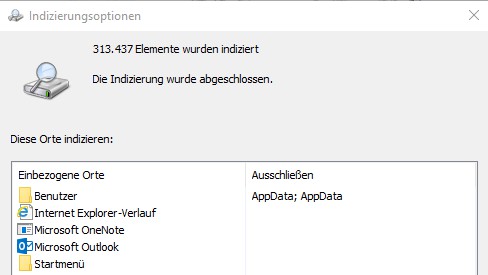
Windows: Incorrect Permission
What you can do if the Windows search is slow, you will learn in the next tip.





