IP-address in the case of Unitymedia change
Unitymedia offers both the typical Internet-access as well as Websites and servers. In the Former, you can simply ensure that Unitymedia will change your IP, in the Latter case, you will need to contact the customer service.
- You have an Internet connection at Unitymedia, this is mostly a dynamic IP address. In this case, you can simply turn off your Modem for a few seconds, so that Unitymedia will assign you a new IP address.
- In a separate practical tip we will show you other ways your IP to change , regardless of the DSL provider. In addition, we will explain exactly how your IP address on Mac and Ubuntu change.
- Have you at Unitymedia, a static IP address, for example, for your Website, a Server, or a Cloud, this IP is not with the method described above change.
- In the case of static IPs is your Domain a static, i.e. fixed, IP address associated with it. Nameservers refer you to their address in the Browser on this IP address.
- To change this static IP, is, therefore, a much greater effort is necessary. Apply this to the Unitymedia customer center. Alternatively, you can use your registered website to move. In the case of a new supplier, this new IP will continue to run.
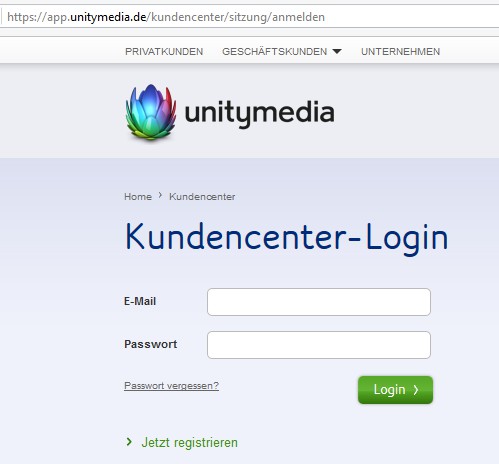
Unitymedia-Customer Center
In addition, practice the tips we will show you how to make your own and foreign IP addresses to determine.