
Android 7: Google Assistant to install and set up
- You first go into the settings on your Smartphone.
- Then tap "language and input" and set "English (United States)" as the system language.
- You delete the language English complete from your Smartphone.
- After delete the Cache of Google Play Services and Google.
- Then restart your Smartphone and the Google Assistant should now be available.
- This is not the case, you can join the Beta program of Google, and the Google Play services sign in.
- Then you can set the system language back to English.
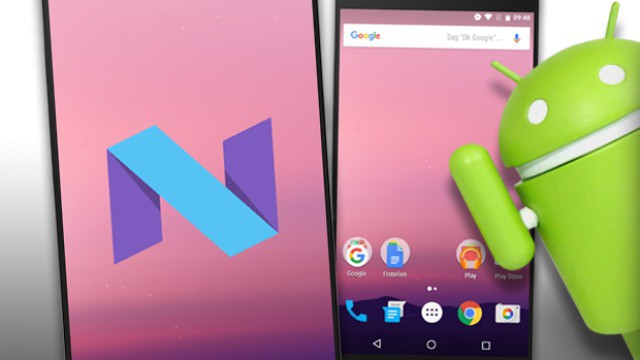
Android 7: Google Assistant
You will learn in the next practice tip on how you Android 7 Multi Window use can.





