
Windows 8 & 10: error Dpc_WatchDog_Violation fix
The error is causing a blue screen, so that your System will be restarted. The error is also below the Code of 0x133, or 0x00000133 known. In most cases, the Update of the hard disk driver helps.
- Press simultaneously the keys "Windows" and "R", so the command "Run" will open.
- Type devmgmt here".msc" and confirm with "OK". Then, the device Manager will open.
- Select the category "drives" your hard drive. Two hard drives are installed, perform the following steps for both devices.
- Click with the right mouse button on the hard drive and select the Option "update driver software".
- In the next step, you can either let Windows Update search for the Update manually from the manufacturer to download and install.
- An Update was found and installed, the issue should be resolved after a reboot.
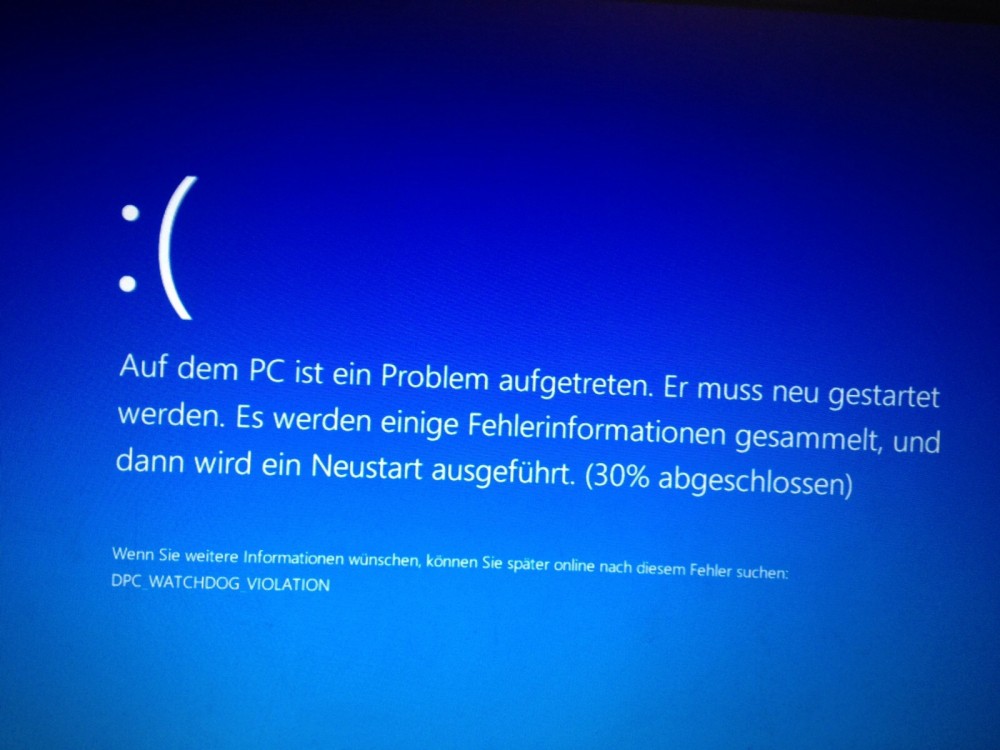
Dpc_WatchDog_Violation fix
Windows 8/10: quick start turn off
In some cases, the quick launch of Windows 8 and 10 is responsible for the Problem. SSD hard drives can to Windows by the quick-start much faster high.
- Open the control panel and select the category "Hardware and Sound", the "power options" from.
- Now select on the left side the Option "require a password on wakeup".
- Click on the very top of the function "change settings that are currently unavailable" and scroll down to the bottom.
- Uncheck the Option "turn on fast startup" and click on the bottom right the Button "save Changes".

Windows 8: fast startup off
On the next page, we show you how to Windows 10 without logging in to start.





