
The new Computer name under Windows 8.1 to set
To change the name of your computer under Windows 8.1, you will need administrator rights. Make sure that the Account logged in with the you, on these rights.
- Open the "Advanced system settings". This can be found by moving the mouse in the lower right corner and in the Flyout menu on the magnifying glass icon.
- Type in the search box, type "Advanced system settings" and in "settings" search. You click it, you will be asked if necessary, your administrator password.
- In the new window select the tab "computer name".
- Click on the Button "modify", you can enter the new desired name and confirm.
- In order for the Change to take effect, you must restart the Computer.
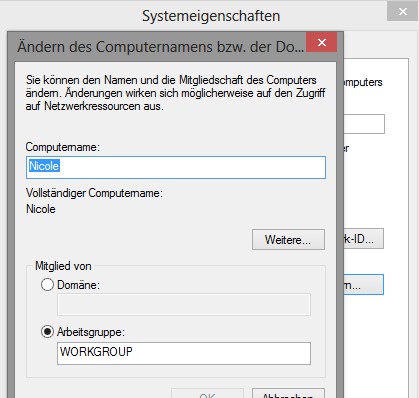
Computer name change
Read also how you are using Windows 8.1 the size of the tiles change.





