Windows 10 - how to open the notes for the Desktop
The notes App is called "Sticky Notes".
- With the Windows key open the Start menu of Windows 10.
- Type in here "Sticky Notes", the eponymous App in the search result. To open it, click on it.
- Now you can write your first note on the small yellow piece of paper.
- You want to write a further note, click on the Plus icon in the top left.
- You want a different color for your note, you can select this via the three dots in the upper right.
- Incidentally, you can also the Font of the Windows sticky notes change. How to do this, we will show you in a further practical tip.
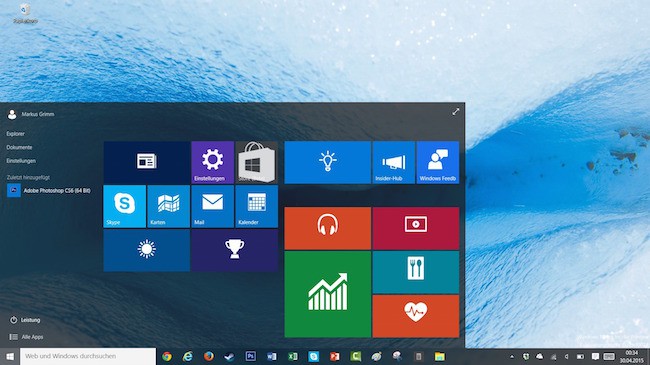
Windows 10: notes for Desktop
How to recover deleted sticky notes restore, we show you in the next tip.