Windows 10: Desktop disappeared - sometimes a reboot helps
When you Upgrade from a previous Windows Version to Windows 10 , it may happen that the Desktop suddenly disappeared, and no more symbols are to be seen. Usually the background image is gone.
- Reason is an error during the Upgrade: The operating system has to Update desktop icons, and files to a temporary profile moved, and then not work correctly in the new profile transferred.
- The error should now be fixed for the show. Is still the Desktop disappeared, often helps the restart of the PC or the change in the Tablet mode. How to do this, we will show you in a further practical tip.
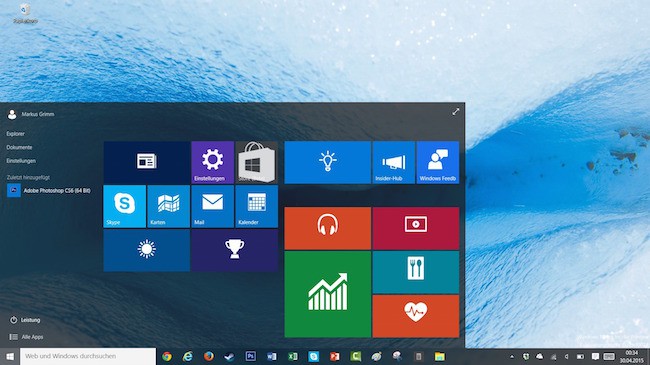
Windows 10: Desktop disappeared
Windows 10: After the disappearance of the Desktop search
First, check whether the Desktop icons are still there.
- Open the Run Dialog with the key combination [Windows] + [R]. Tip: In a further practical tip, we describe how to Windows 10 the Run command to the start menu add.
- In the dialog box, click "desktop" and press Enter. As a result, the Desktop should be displayed in the directory of your profile folder.
- The icons and folders on your desktop are available here, there is only a display problem. We recommend to copy the folders and icons used in this case in a different folder and save there.
- This directory is empty, are all the Desktop folders and icons are deleted. But try a reboot. With a little luck, the Desktop appears again.
Windows 10: Missing Desktop show again
You can also try the icons visible again.
- Click with the right mouse button on an empty area of the Desktop to open the context menu.
- You navigate in this context-menu to "view" to get to the next level. Here you check whether "show desktop icons", the hook is set. This is not the case, click the point to set the hook.
As for Windows 10, the system restore, we will show you in the next tip.