
USB Stick on Ubuntu: this is Why he is not recognized
In the basic settings Linux detects a USB Stick as soon as you plug it in. You will be asked to determine which action you want to perform with the device. This is not the case, and it appears the USB Stick in your device Manager, try the following steps:
- Test the USB Stick on another device, to rule out that it is defective. Check it also on Windows. Be sure to remove the device safely. The Windows PC does not recognize the USB Stick the Problem is with the USB-Stick.
- If you have formatted the USB Stick originally, on Windows, you might have the wrong file format. In another article we have provided you with the permitted file system for Linux listed.
- Try a different USB Port. If this is not successful, you can check for a System reboot in the BIOS if all the USB Slots are enabled.
- It is in the USB-Stick to USB 2.0, you should select the appropriate Slot. It's the same with newer USB Sticks with USB 3.0. Which Generation you belong to USB-Stick, or connection, tell you the colors. In a further article we will explain what the different colors of the USB Ports mean.
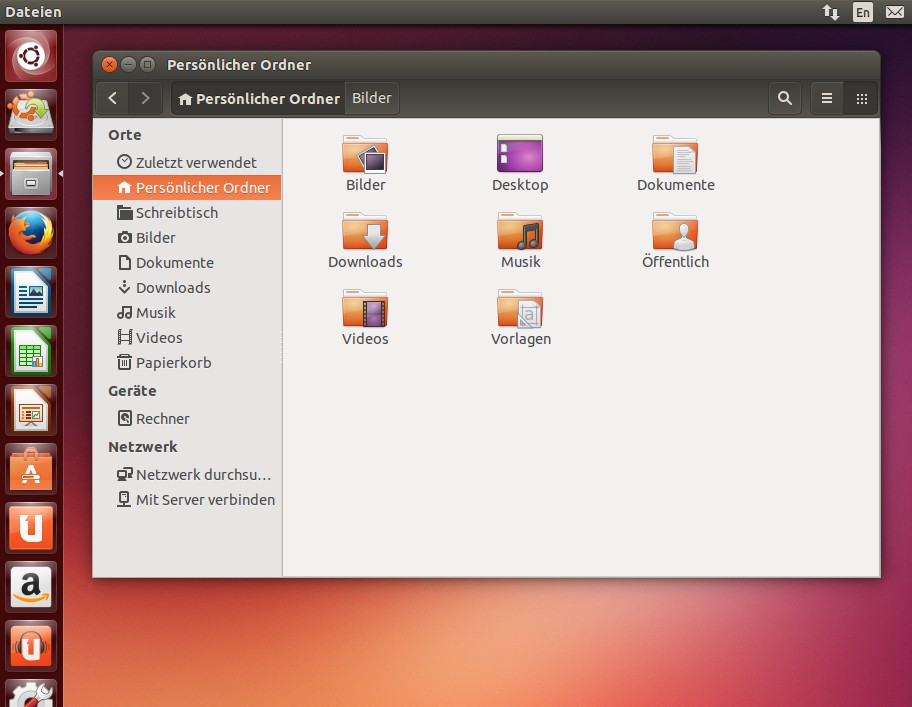
Ubuntu: USB Stick not recognized
In our next practice tip read, as you proceed, if Linux on the external hard drive does not recognize. The Linux operating system is available for you to Download from here ready.





