New Account under the Linux operating system, Ubuntu create
You want to create a new user, you Ubuntu two ways. You can enter the corresponding commands from either the Terminal or the graphical interface. Select the Terminal, type "sudo adduser" and add the name of the new user, as well as any other options. The help page with appropriate options you can find with the command "man adduser". A simple graphical variant is:
- First, you go to the "system settings" and choose "System" to "user".
- Click on the Button "Unlock", which you can find in the top right corner. Before you can Ubuntu a new user account.
- Then click on the plus sign you find in the bottom of the "My account". Now you can create a new user with name, password and other options.
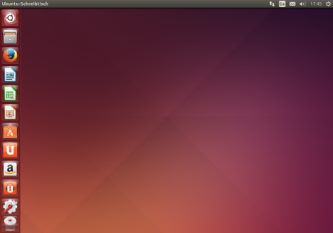
New Ubuntu-create account
Read also how to move files on Ubuntu hide can.