With a Client in ICQ login
ICQ-Clients are programs that connect to your computer with the ICQ Server. At the same time they serve as a Chat interface. In the following steps we will show you how to use a ICQ Client around.
- Download ICQ , download and install the Software.
- You open the program. Once it's running, you will find bar, the surface in the lower-right icon.
- Enter your ICQ number in the field "Account". Below, you can complement your password.
- If your data is correct, recovers ICQ the connection.

ICQ on the PC
Via Web ICQ login
You can use ICQ on a public computer, you should use the Browser-version "ICQ2GO" use. The Login is on the home page of ICQ and it works in Internet Explorer, Firefox or other browsers.
- Visit the home page of ICQ.
- Press the button "Web-ICQ" and click "Start". It is the usual Login window opens.
- Log in with your ICQ number at the top and your password in the lower field. The Chat is hardly different from the installed Software.
- The Log-In in ICQ requires an existing ICQ Account. If you are not yet registered with ICQ, create you an account. Then you get a number that you then can log in.
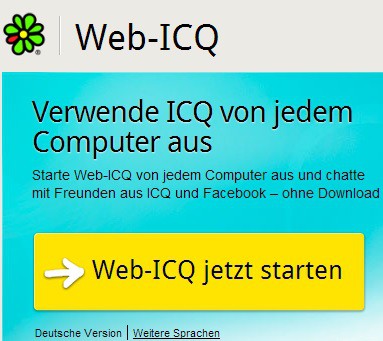
Web-ICQ: Login without Client
Alternatively, the original Client of ICQ, you can use third-party programs, such as Miranda, QIP or Pidgin to use. They work according to the same principle.