
1. Step: SweetPlayer from Windows remove
In the case of SweetPlayer is comparatively harmless Adware. Among other things, your home, as well as the search engine change. In addition, the Adware bothers you with annoying advertisements and Pop-Ups.
- Sweet player uninstall: Open the control panel and sort the list of installed programs after the installation date. Remove the entry "sweet player", as well as all the other unknown additions. Detailed instructions can be found in the practice tip "of Windows, uninstall programs".
- AdwCleaner: The free AdwCleaner also removes the last Remnants from the sweet player. Launch the Tool and then remove all of the finds.
- Links: you will Find when you Start your browser on a home before, you must, in addition, the Browser links to clean up.
- Malwarebytes Anti-Malware: do you Want to your System, in addition to other pests in check, provides this highly reliable virus-Scanner. For the removal of SweetPlayer, the use is not absolutely necessary.
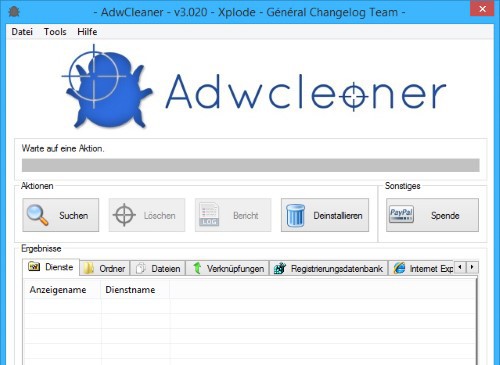
AdwCleaner: SweetPlayer removal
2. Step: sweet player from the Browser to remove
Can player Sweet also still not from the Browser, delete, reset it completely. Do not perform the following instructions for all installed browsers, even if you make use of this currently.
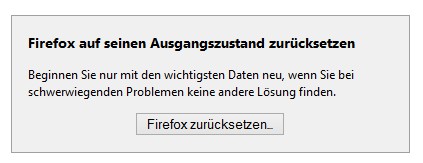
Firefox Browser reset
In the next practical tip we show you how to individual files online for virus check.





