
EpicScale.exe from Windows remove
In the case of EpicScale is a supposedly scientific project. The Tool passes mostly unnoticed by free Software like uTorrent on your Computer. Your PC is not required just a strong, start the Tool and use your Computer in the Background for the calculation of the various tasks. Allegedly also as a Bitcoin Miner. So you remove it:
- Task Manager: Open Taskmanager and locate the process "EpicScale.exe". Click on it with the right mouse button and select the Option "end process". Confirm the operation then.
- EpicScale uninstall: Open the control panel and sort the list of installed programs after the installation date. Remove the entry "EpicScale". Detailed instructions can be found in the practice tip "of Windows, uninstall programs".
- AdwCleaner: The Rest is done for you the free AdwCleaner. The Tool is specialized to such Adware. Run a Scan and then remove all of the finds.
- Malwarebytes Anti-Malware: Was EpicScale not completely removed, you should in addition to a virus Scanner to use. Malwarebytes Anti-Malware apply in both the detection, as well as in the removal of viruses and extremely reliable.
- You can use uTorrent will not more, you should uTorrent uninstall.
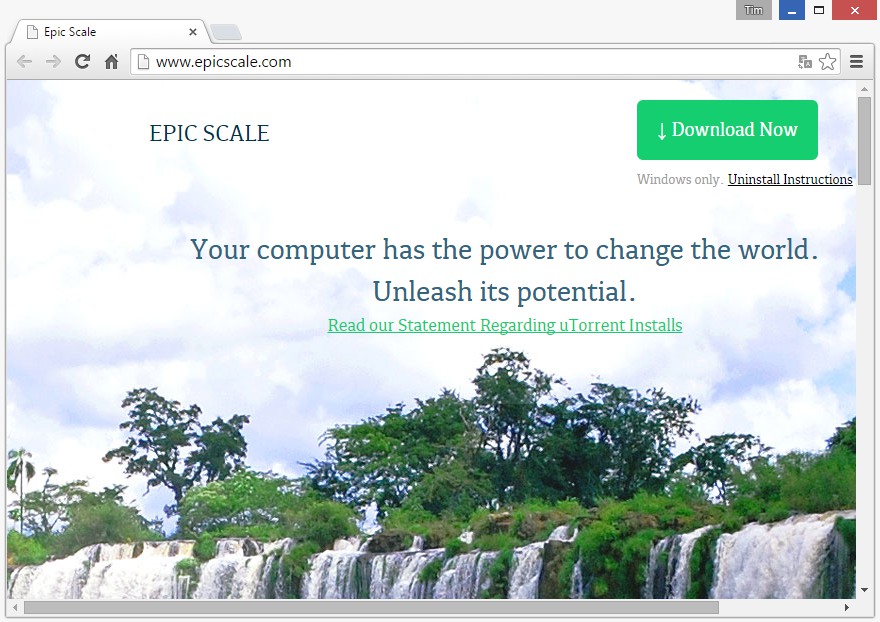
EpicScale.exe: Adware delete
In the next practical tip we show you how to individual files online for virus check.





