
Images in Word to place correctly
- Click with the right mouse button on the image in Word and select "format graphic".
- You can switch to the "Layout" tab, you will find several ways to place an image.
- Here you are also able to place the image in front of or behind the image. With the Option "Match" you can place the image anywhere.
- Via the Button "OK" applies your settings. You can arrange the image at a later date.
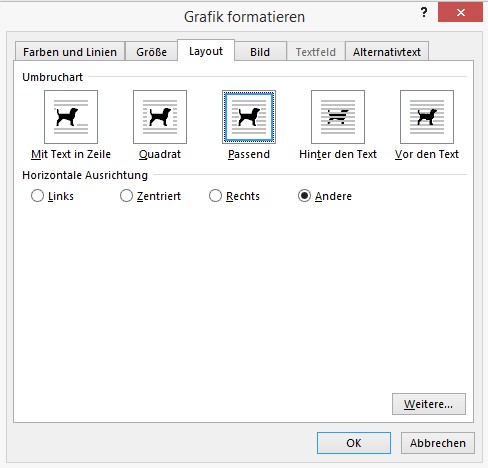
Word: pictures in place
In the next practical tip we show you how to create a Excel table in Word insert.





