
Word: how to insert images in tables
- First, create your table in Word and insert the desired image. This works by "Insert" > "pictures".
- Then click with the right mouse button on the image and select under the category of "line break" is a desired Option.
- With the Option of "Suitable" can you arrange the image as desired in the table.
- With another right click you can put the image in the foreground or Background.
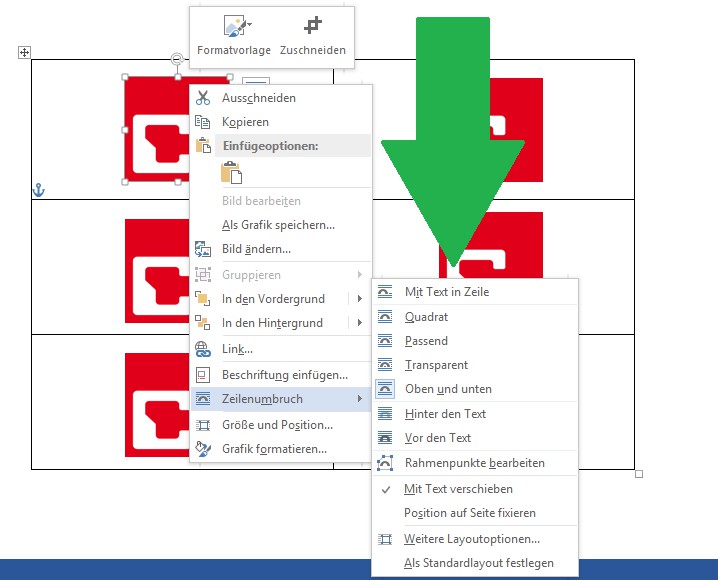
Images in Word table insert
In the next practical tip we show you how to create a PDF in Word insert.





