
Vertical in Excel write - so it works
- Open first Excel and the document or workbook.
- Click with the right mouse button on the cell in which you vertically want to write. Then, select the item "format cell".
- Go to the tab "alignment". Here you can set the pitch in degrees-information. You set this option to "-90°" or "90°" to write in the cell vertically.
- You close the window with clicking "OK". Now you can write this line in a vertical position.
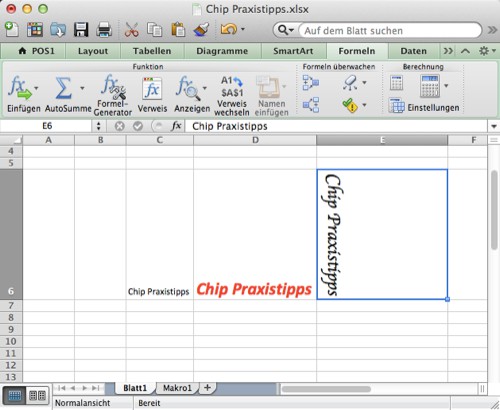
Perpendicular write in Excel
Read also how you automatically today's date in your Excel-insert table. This practical tip is based on MS Office Excel 2011.





