
iPad: Split View in iOS 11 use
The practical Split-Screen feature is currently only on the iPad Pro, the iPad Air 2 and the iPad Mini 4 is available. For older devices, the game would represent, according to Apple too great a burden.
- You can open any App on one of the mentioned devices and you place your Finger to the bottom of the screen.
- You drag your Finger upwards, so that the Dock opens. Below you will find the Apple-Apps to Split View compatible.
- Now you need to drag the desired App in the middle of the screen and the open App at the desired position.
- The new App is superimposed on the previous App. Depending on the type of App, the Apps are split in the ratio of 50:50 or 75:25.
- At the top of the App, you will find a thin line. You drag the App to this bar down a bit, be anchored both Apps side by side. Due to the Central dividing line, you can adjust the division on request.
- Since iOS 11 , you can in Split View mode, simple texts and pictures from App to App to move. You use, for example, in parallel with Safari and the notes App, you can highlight the Text of a web page and in the middle in the notes App, pull.
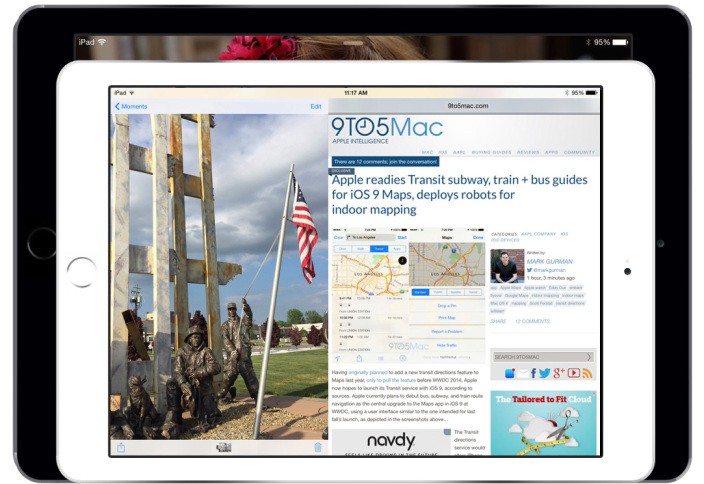
iOS 9: Split View enable
In the next practical tip we will show you 7 hidden features in iOS 11.





