
Texts online to compare with these Tools, it works
In the text processing texts are difficult to compare. With the following Tools this works, however, effortlessly:
- Qualidator: Here you can set the texts side by side, and the Tool compares this with just one click. It is particularly suitable for programming languages such as HTML or PHP To the provider.
- Diffchecker: Also here you need to insert only the two texts side by side and click on "Find Difference!" the Tool looks for Differences. Unfortunately, this page only available in English - Here's to the side.
- 60tools: in addition to the two input masks, you can also existing Text or upload the Differences to look for - To provider.
- The texts can also be used in Word compare, as our next practice tip shows.
- With the free Tool Notepad++ is the Text easier to format and compare.
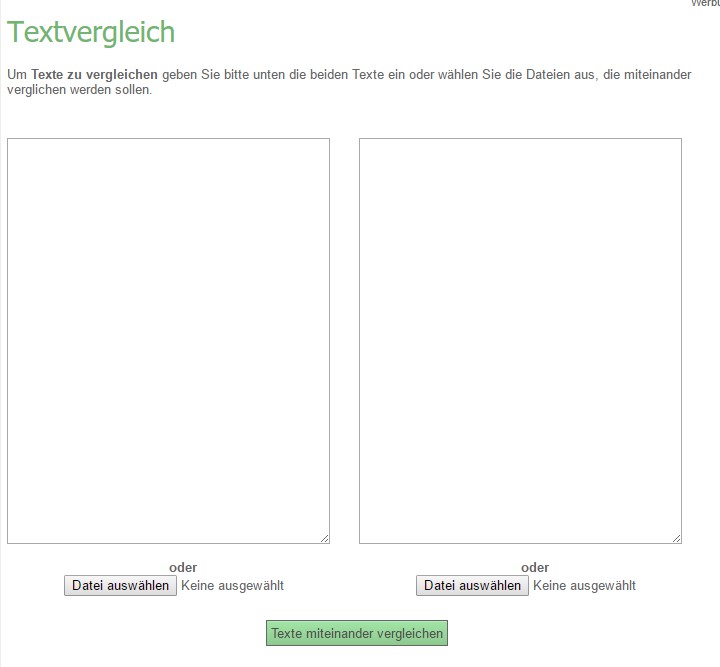
Online Tools: compare texts
Read in the next tip, how PDF documents compare can.





