TV Signal: So you can transfer it to a projector
- If you want to transfer your TV Signal to a projector, it depends on how you receive the TV signal.
- You should use a cable receiver, you can connect it in the rule simply with a HDMI cable to your projector and on the remote control, the corresponding input signal.
- In older receivers or projectors, the Signal can alternatively be via a VGA cable if the appropriate interface is available.
- If you are using a DVB-T Stick, you can connect these, for example, of a Notebook and the Signal via HDMI, VGA or DVI cable to the projector. For the best results, usually via HDMI.
- Also a satellite Receiver you can connect in the rule simply with a HDMI cable to the projector.
- If you are not using a Receiver, you need to acquire usually in addition to the projector a, since a projector usually has no TV Tuner is installed.
- If the connections are not compatible with each other, you will need an Adapter or an adapter cable. Has your projector, for example, only a DVI input, of the Receiver, however, a HDMI output, so you can use a HDMI-to-DVI adapter cable to use.
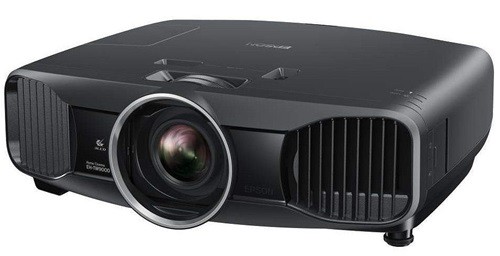
TV-Signal with a Beamer
Brilliant Trick for the day after: Popcorn fresh make
- After the movie night: Popcorn from the day before re-crisp make - how to

Tv signal to carry on a projector so it works
If you still have the right projector seek, you will find in the next practice tip the best buying tips.