Beamer: calculate distance and other factors
When buying a projector, you should refer to in addition to the right distance, other factors in their decision-making involvement.
- Generally speaking, A canvas should be half as wide as the viewer sits away from her. Your Sofa, for example, 4 metres from the screen, should be the canvas about 2 meters wide.
- Most manufacturers specify the correct distance in the manual. You do not have this to Hand, we will show you in the next paragraph, how to calculate the distance yourself.
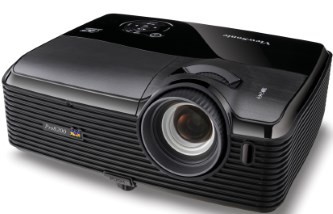
Beamer: calculate distance
Right distance for the projector to calculate
- Open the website of BeamerShop24 and look down the manufacturer and model of your projector from.
- Do you know the size of the screen, go down to the tab "size". You can choose between the 16:9 Format and 4:3, and enter the width of the canvas.
- Confirm your input with the Enter-key on the right of the minimum and the maximum distance. This allows you to adjust the Zoom of the projector.
- You know only the distance from the projector to the screen, that is not a Problem. Go down to the tab "distance" and enter the distance between the lens and the screen.

Beamer: Right distance
In the next practical tip we will show you how to use the projector Filter clean.