
Blade and Soul will not start – what to do?
- Before you use the following tips to continue driving, you should make sure that your PC has the minimum system requirements of Blade and Soul fully satisfied.
- Make sure that all Updates are installed prior to the Start of the game, so the Game is always up to date.
- Perhaps the program is blocked by your Firewall or anti-virus program. Turn off the two services temporarily to check this.
- You can use the Game start, we will show you how to use the Game in the Firewall and in the anti-virus program add can.
- In addition, you should ensure that you have the latest drivers for your video card and the latest Version of DirectX installed. Start Update, the Windows to check this.
- In some cases, it may help if you uninstall the Game completely and then re-install.
- To do this, you must delete it after you have successfully uninstalled the leftover files and folders manually.
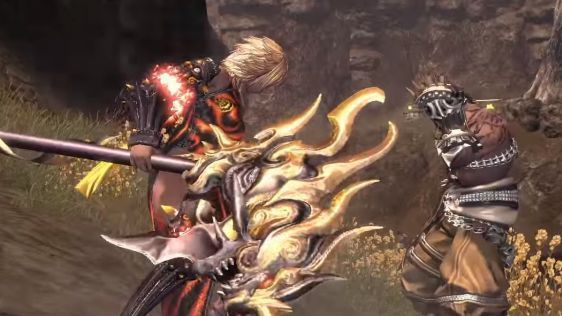
Help: Blade and Soul will not start
In our next tip we have all classes of Blade and Soul in the Overview.





