
System-language under Android change
You use a Smartphone or Tablet with Android 7.0 or later, you can browse the settings App in a targeted manner. Enter the keyword "language". Then, you can already find the correct settings. Alternatively, proceed as follows:
- Open the settings App on your Smartphone. They can be identified by the Gear icon.
- Tap on "System" and then tap "language and input".
- Then tap on "language" and select desired System language. If you have enabled multiple languages, you must set the primary language (i.e., German) in the first place.
- Tip: if you Want to change the language of Auto-correct, type in "keyboard and input methods" on the keyboard, the language you want to change.
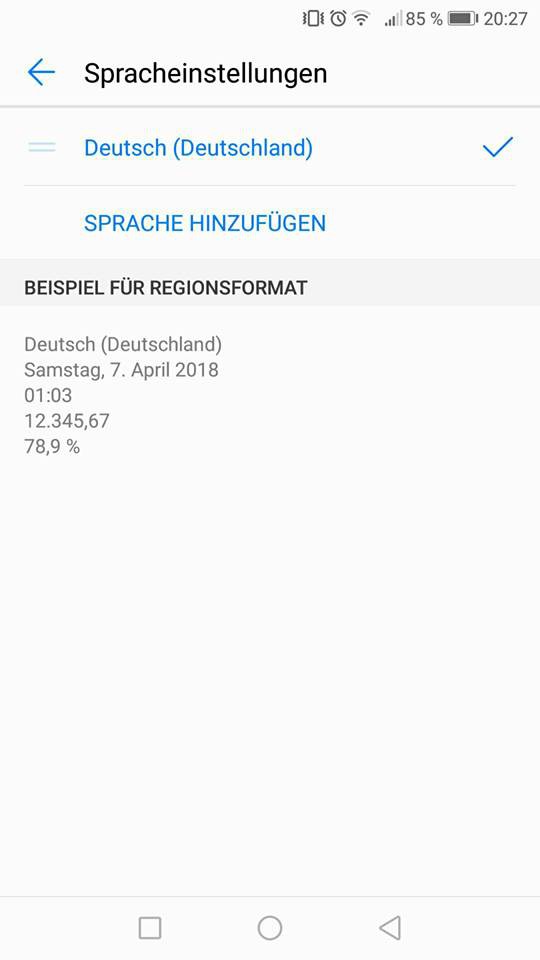
Android: change language
In the Google App need to the language separately change. Then they changed your complete system successfully in a different language. Note: The article refers to Android 8.0 on the Huawei P10.





