
Android Auto does not work - it s may be'
- First, make sure that your Smartphone is running on Android 5 or higher. In another article, you will learn how to make your Android Version to find out can. For optimal Performance, Google recommends the use of Android 6 or higher.
- In addition, your car must be Android Auto compatible. Whether it is, in fact, you can ask your car dealer or in the manual of your car to read.
- Another important point is the USB cable. It is best to use the supplied cable. You must ensure that the used USB cable is suitable for data transmission. Cheap USB cables are often only used for Charging your Smartphones, but not for data transfer, since the fibers for data transmission for cost reasons, were omitted.
- Check to see if Android Auto is enabled in your Infotainment System. In some cars this Feature can be turned on and off.
- If you have used Android Auto already with a different vehicle, it may be that your phone rejects the connection with unknown cars. To change this, open the Android Auto App, click the menu Icon, then "settings"and now on "connected vehicles". Disable restoring the check mark next to the item "connection only to known car".
- If these measures are not successful, you should contact your car dealer. This will assist you in Troubleshooting and can fix any problems on the car.
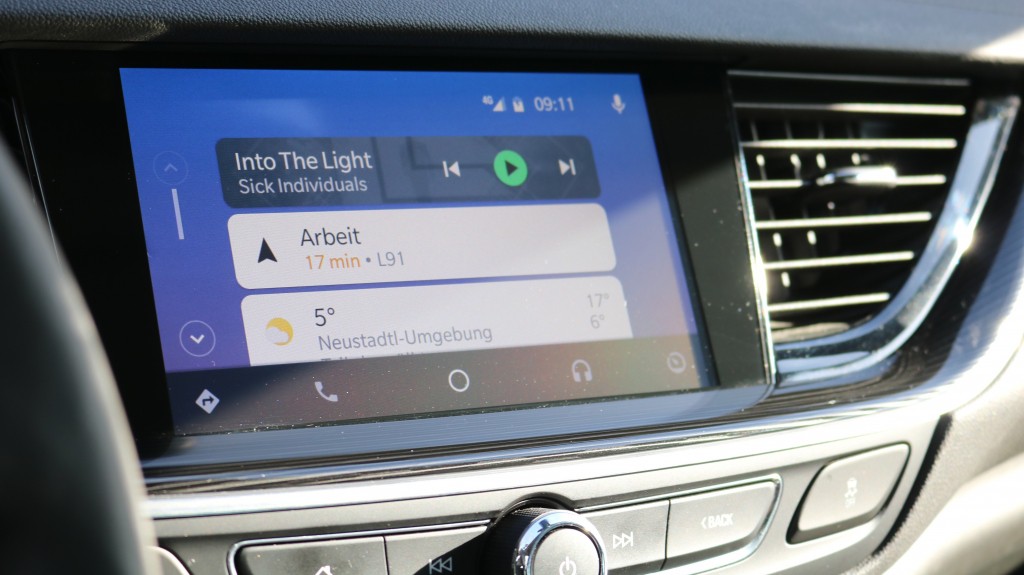
Android Auto is not
In the next tip you will learn how to WhatsApp with Android Auto use can.





