
Version number of Windows Phone find
If you are not sure which Windows Phone Version you have installed on the Smartphone, you can quickly find out.
- Open the settings.
- Now scroll down until you see "read Info". You can open this point.
- Click on "More information".
- Behind the "operating system version" read the version number of your Windows Phones.
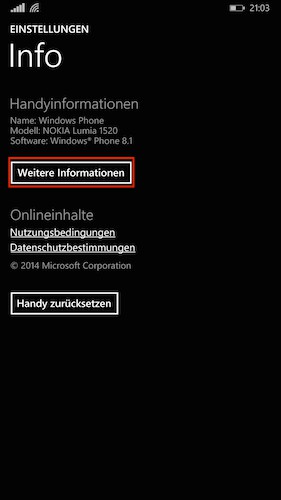
WP: version number find
On the next page, we show you how to get the IMEI number on Windows Phone find out.





