
Windows 10 Mobile: these 6 secret Tricks you must know
- Color and fonts to customize: you Want to customize on the Windows Phone, the color or the fonts to your liking, you can do this in the "settings" under "System" > "display". The font size to fit "settings" - > "ease of access" > "other options".
- Background Apps block: Background Apps costs for electricity and data. This allows you to restrict in the "settings" under "privacy" > "Background Apps".
- Power saving mode: If the battery goes low, you can use in Windows 10 Mobile, the intelligent power-saving mode. You can find this in the "settings" > "System" > "power saving mode".
- Offline maps: you know the Problem, if you are on the road and no GPS or no Internet is available. Thanks to the offline maps you know where you are. You enable this in the "settings" > "System" > "offline maps".
- Privacy policy: The privacy policy has been revised in Windows 10 Mobile completely. You can now set under "settings" > "privacy" for each individual App permissions.
- Continuum: The Lumia 950 and 950 XL have a so-called Display Port. You can connect a mouse and keyboard or even a screen via HDMI.
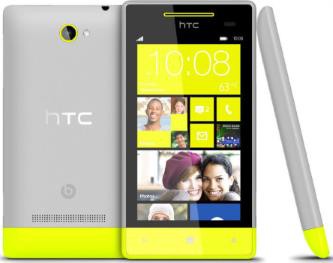
Win 10 Mobile: 6 secret Tricks
We will show you how to Windows 10 Mobile to the factory settings reset can.




