Windows: restart the Computer - so it goes
- Under Windows Vista, Windows 7 and Windows 10 you will find the Option to restart in the Start menu. To do this, click the bottom left of the screen on the Windows Logo, and select the bottom left or right of the Power Button or the arrow Button. Here you will find the Option "restart".
- The second way is on all versions of Windows is feasible. You go for it on the Desktop. Press and hold at the same time the keys [Alt] and [F4], you will also see a menu. Here, select the Option "restart".
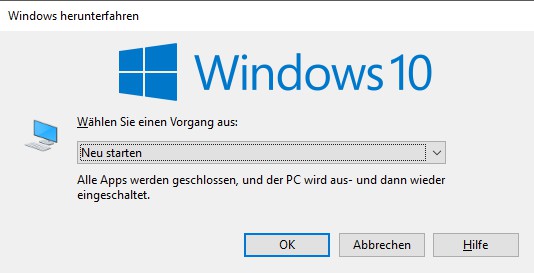
Windows 10: restart your Computer
In the next practical tip we show you how to Windows 10 faster.