
Entertainment: Netflix-error 500 fix
The 500 error often appears with the following message: "The application that you want to access, is unfortunately temporarily unavailable. Please try it again. Error code: 500".
- Turn off the Entertain-Receiver and disconnect it completely from the power.
- Wait about 20 seconds, and then connect the device again with the current.
- You start the Receiver, should no longer appear the error 500 in the case of Netflix.
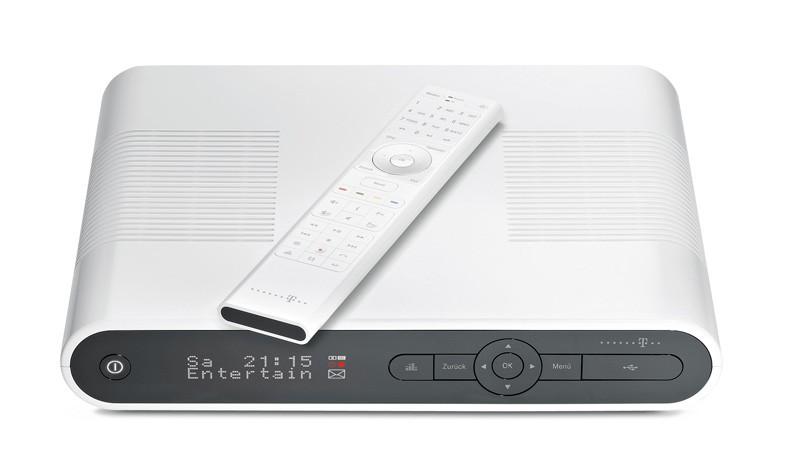
Netflix error 500 with Entertain
Netflix: error 500 with the help of the Telekom solve
- Where exactly is the cause of the error is unclear. However, the error in the rule by the instructions above solve. Other options there is not currently, unfortunately.
- Need more help with the error 500, you should apply directly to the Telekom. Here you will find an Overview of the contact options of the Telekom.

Telekom: help for error 500
In the next practical tip we show you how to Netflix in 1080p stream.





