Two filters at the same time on Snapchat
- First, open the Snapchat App and shoot a photo.
- Swipe from left to right across the screen to select a Filter.
- Press and hold your thumb on the screen and wipe with another Finger from the left to the right.
- Now, a second Filter provides the first Filter. The Snap can be sent then.
- You have used for the first Time, two filters, you get the Peace sign as a Snapchat trophy.
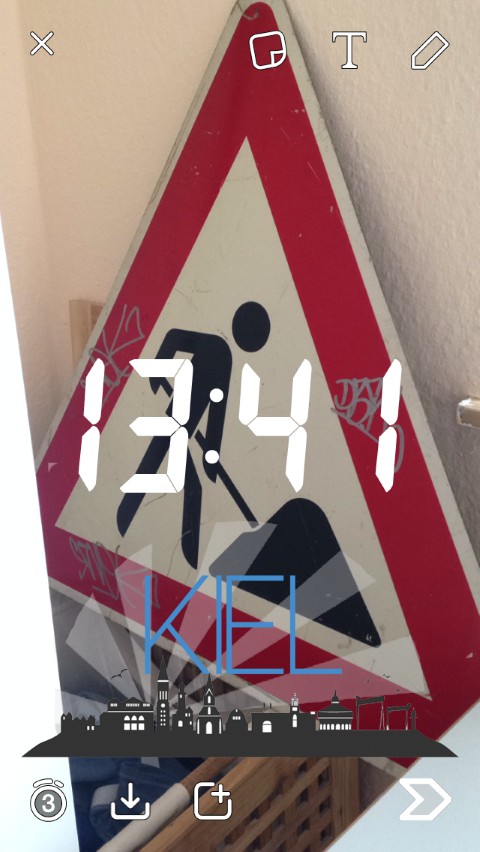
Snapchat: Two Filter
In the next practical tip we will show you how you all Snapchat-trophies to get.