
Thunderbird 24: import CSV files
Thunderbird can from records such as address books, messages, or import settings, including in the CSV file format.
- To do this, open the application menu on the top right and go to "tools" > "Import".
- In the wizard, select the "address books" and click on "Next".
- Now you have to in the selection window select "text file (LDIF, .tab .csv .txt)" select and then click "Next". In file Explorer, then find your CSV file.
- After you have opened the document, you can customize the attributes. Because CSV files do not have a Standard formatting may vary, the attributes of the structure in Thunderbird.
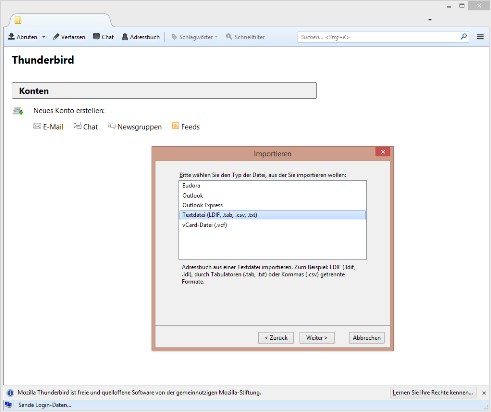
Thunderbird: CSV files
Of course, works the other way around: How to make your own CSV file with Excel, we will show you in a further practical tip.





