
Word table: edge distance from the Text to the table edge set
Thus, the Text has the same distance to all sides in the cell, you can set this in Word exactly. Here's how:
- Highlight the question(s) cell(s) in the table, and then click the "table tools" - "Layout".
- Now select the tile, "cell boundaries", which is located directly below.
- Now you can set the limits to each edge carefully.
- Finally, confirm the Changes by clicking on "OK".
- Tip: the small fields in the same menu ("Align"), you can also adjust the text position.
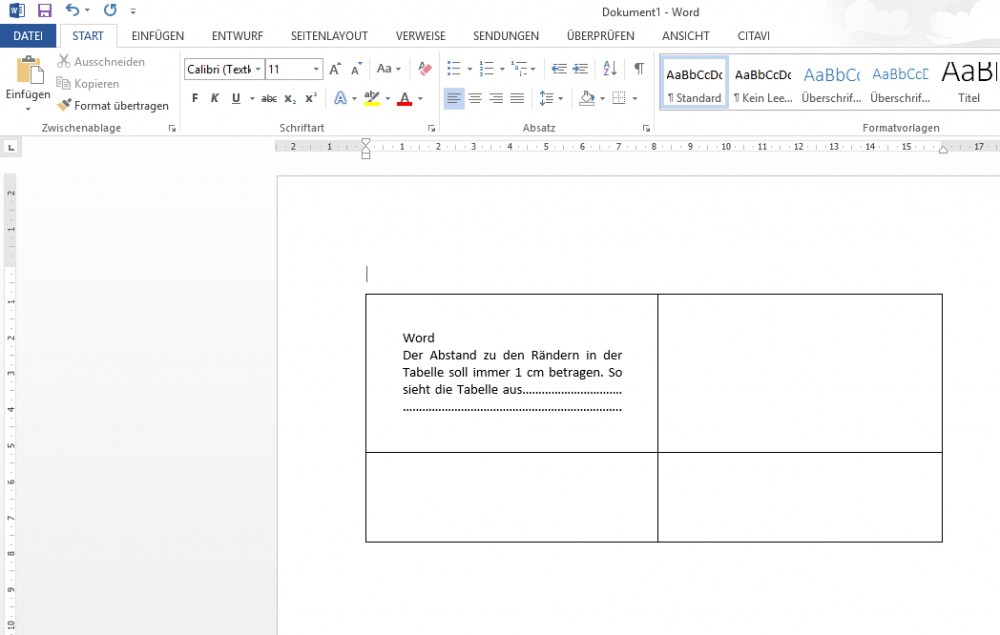
Word table: distance to the edge set
How to use the convert table to Text, we will show you on the next page..





