Login-error when T-Online Email Center password incorrect
In General, you should make sure that you are constantly connected to the Internet and no disconnections get.
- When you enter your user ID, you should make sure that this agrees with your data.
- This also applies to the password. You may have activated a typing error or the caps lock key is.
- Perhaps you have entered your old password. Please make sure that you are using the correct password.
- You can by Telekom a new password to if the correct password forgot.
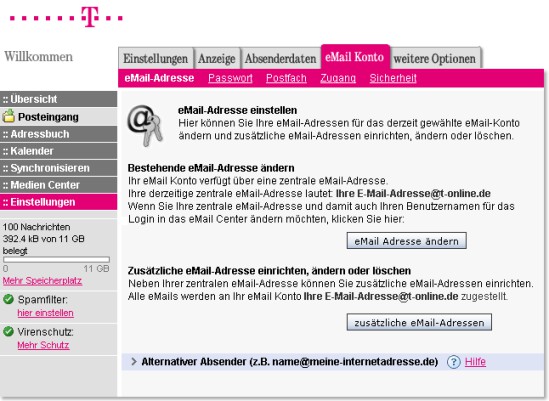
T-Online EMail Center: Login Error
Login-error when T-Online Email Center – Browser-error
- You can try to open the page with the incognito function in the browser, as here, there are no Cookies or Cache is stored.
- You can use alternatively, test a different Browser. The Login works here, so an error in the other Browser you may have.
- Basically, you should make sure that you use the latest Version of your browser. This you can check in the menu under "About".
Login-error when T-Online Email Center – Account issues
- May your Account or account has been locked due to misuse or the like.
- When you Call the page, you should make sure that the top left of the suffix "SSL" is specified. In order to ensure that your data is encrypted.
- Should you still have problems, contact the customer service of the Telekom.
For more tips, if the E-Mails from T-Online does not work, we will give you in the next tip.