
Step 1: PricePeep from Windows remove
In the case of PricePeep is an ordinary Adware, which is usually not dangerous. In the Browser merely annoying advertising Ads and Pop-Ups on the inside.
- PricePeep uninstall: Open the control panel and sort the list of installed programs after the installation date. Remove the entry "PricePeep" as well as all the other dubious additions.
- AdwCleaner: The free AdwCleaner is done, in many cases, the Rest for you. Start the short Scan, to get rid of leftovers.
- Browser link: In the links the Browser can continue malicious Code to hide. You therefore also check the links.
- Malwarebytes Anti-Malware: do you Want to be on the safe side, you can your Computer in addition to scanning for viruses. Absolutely necessary but it is not.
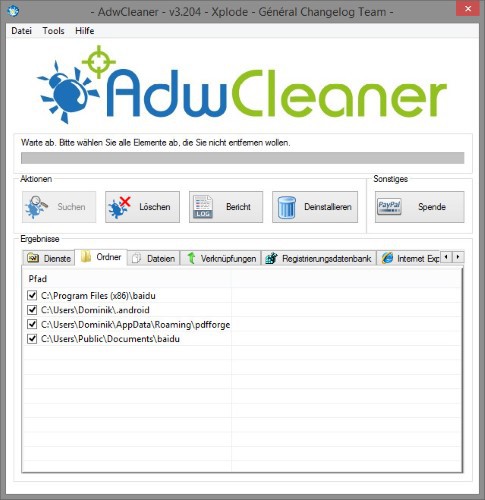
AdwCleaner: remove PricePeep
Step 2: PricePeep from browsers remove
You can find PricePeep in your Browser, you must take tougher guns. Here is the complete Back restore the Browser. Note that all the contents and settings will be deleted.
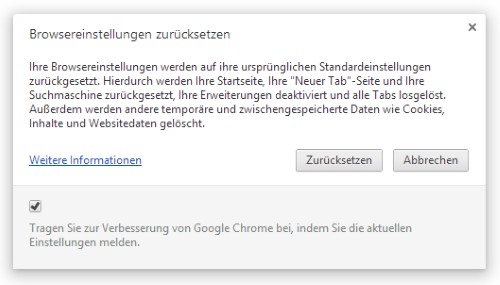
Reset Google Chrome
In the next practical tip we show you how to individual files online for virus check.





