
Thermal image camera to simulate These Apps create the illusion of a thermal image
The Fun factor is for fun Selfies, or the like is in the foreground, there are for Android and iOS various Apps in the Store, to simulate a thermal image camera.
- Recommended for Android, for example, is the App in the "thermal imaging camera" of CIBERDROIX, with the help of a thermal imaging camera in real time, feigned is.
- For iOS devices there is the App "thermal imaging camera and infrared camera", with the help of the exposure, a heat image is simulated.
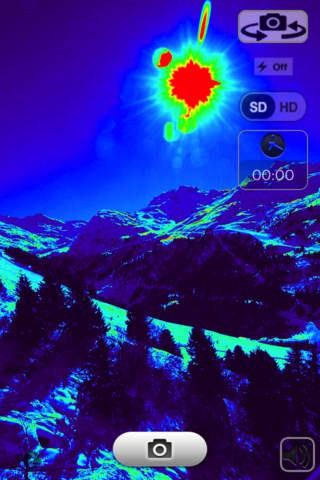
Thermal-imaging to simulate the camera via the App
Android and iOS Smartphone as a real thermal imaging camera use
However, there are also Hardware with which you can transform your Smartphone into a real thermal imaging camera. Popular representatives of the "Seek Thermal" and "FLIR ONE".
- The "Seek Thermal" costs about 270 euros and the "FLIR One" for around 300 euros.
- Both thermal imaging cameras are simply connected to the Smartphone and works with a special App that displays the actual temperature on the Display.
- The Seek Thermal is smaller and works with a camera while the FLIR One is bulkier and has two cameras installed.
- For home use for the Detection of thermal bridges or damp Places, these Gadgets are quite useful and allow a new view on the structural conditions.
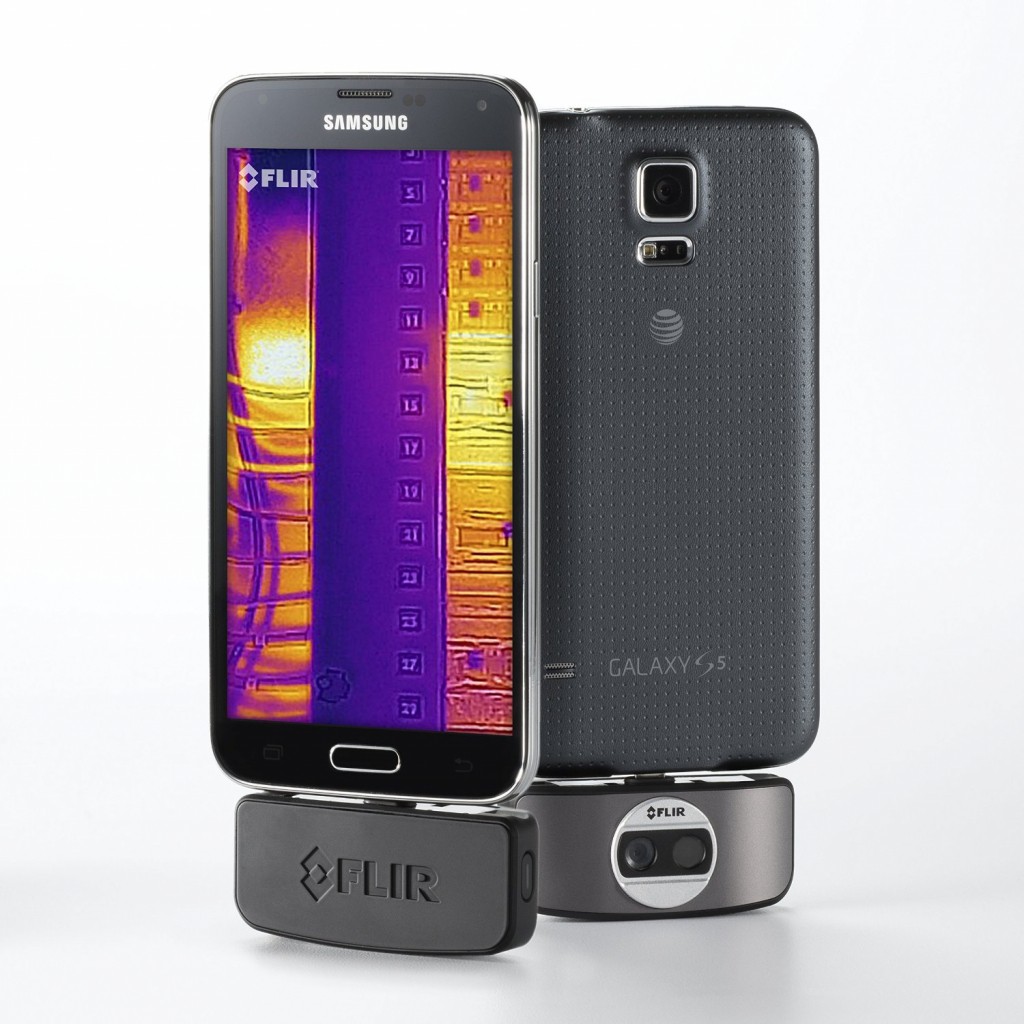
Smartphone as a thermal imaging camera in use
In the next article, we will show you more cool and useful Gadegts for your USB Port.





