In Windows XP, a restricted user account create
- Click on the bottom left "Start"icon, then select the "control panel" and go to the "user accounts".
- In the "user accounts"view, click on "create New account".
- At this point, enter your user account a name and confirm with "Next".
- Select as type the Option "Restricted", and create the account on "account".
- You will be automatically redirected in the accounts view. Click here now to your newly created limited account and select "create password".
- Enter a password and save it again using "create password".
- You go back to the Start menu and select "logout".
- You choose "switch user" and log in with the new, limited user account.
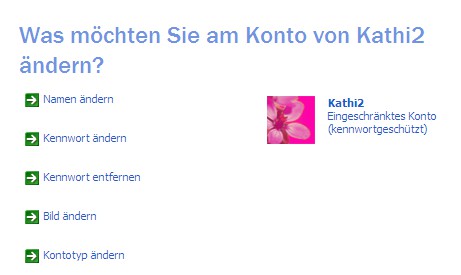
Win XP Limited account
In one of our practical Video tips we will explain how the transition from Windows XP to Windows 7 manage.