Windows 10: how to set up Cortana
Note: if you Want to use Cortana, you need a Microsoft Account. You have set up Windows 10 without a Microsoft Account that is linked to your user account through the activation of Cortana with your Microsoft account.
- To start Cortana. To do this, click on the bottom left in the task bar, click the circle icon, or you can use the Search function.
- Here, click on the button "Continue" and "I agree" to use the wizard.
- Then enter your name and confirm again with the Button"".
- Finally, you need to login with your Microsoft Account, if you use a normal user account. You have no Account, you can get a free Microsoft account to create.
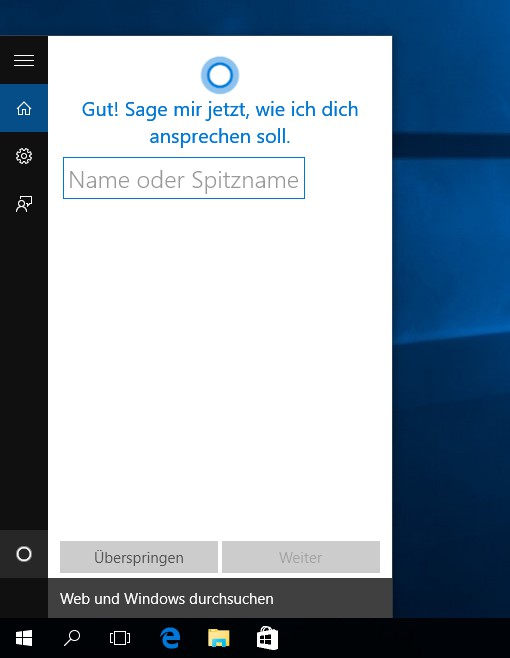
Cortana in Windows 10 set up
In the next practical tip we show you how you can have multiple Desktops in Windows 10 open.