Sony Bravia: to perform a Software Update
- Go to the start menu of your Sony Bravia by pressing the Home button on your remote control.
- Under the menu item "settings" select the sub-item "help".
- Scroll up to "system software update – system software for the TV update" and select this Option.
- In the next step, you must first to the "system software update". Alternatively, you can have the process automatically, by setting "Automatic Software Download" on "A".
- The Sony Bravia has found an available Update, you will be prompted to download it. The Update Installation can take a while.
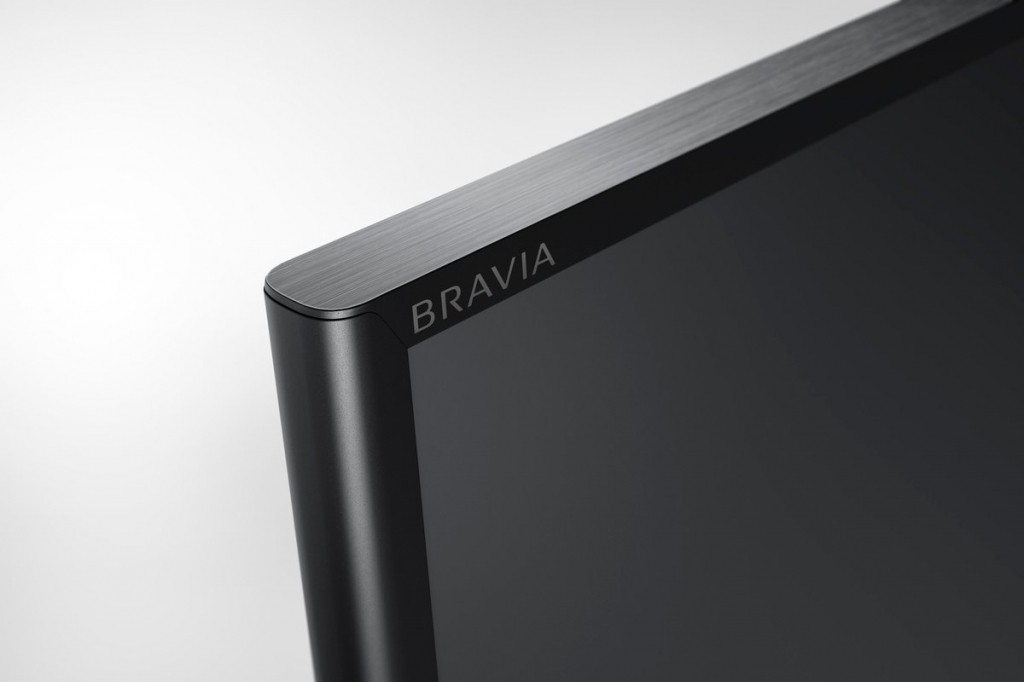
Sony Bravia Software Update
How to make your Sony Bravia TV to connect to the Internet, we will explain in a further practical tip.