
Sonos connect with TV - so it works
To connect your TV to the Sonos speaker, you need the Sonos App.
- The Sonos Controller App for iOS will get you just as free in the Store, such as the Sonos Controller App for Android.
- You have already installed speakers in your TV, remove these first. Then, you connect the TV to the Sonos speaker. They use, depending on the device a phone plug or an RCA.
- With the cable you connect the audio output of the TV to the audio input of the Sonos speaker. Do not forget, all components in the power to connect.
- Then, you set up the TV as a new component on the Sonos Controller App. Using "true play" and make your TV into a home cinema.
- After setting up the TV to the Sonos App, select in the settings of the TV to the "Audio options". You need to turn off the internal speakers of the TV, so you can in future enjoy the full Sonos sound.
- The required Option is likely to be "External speakers", which varies a little depending on your TV. In any case, you need to set up the Sonos speaker to your TV.
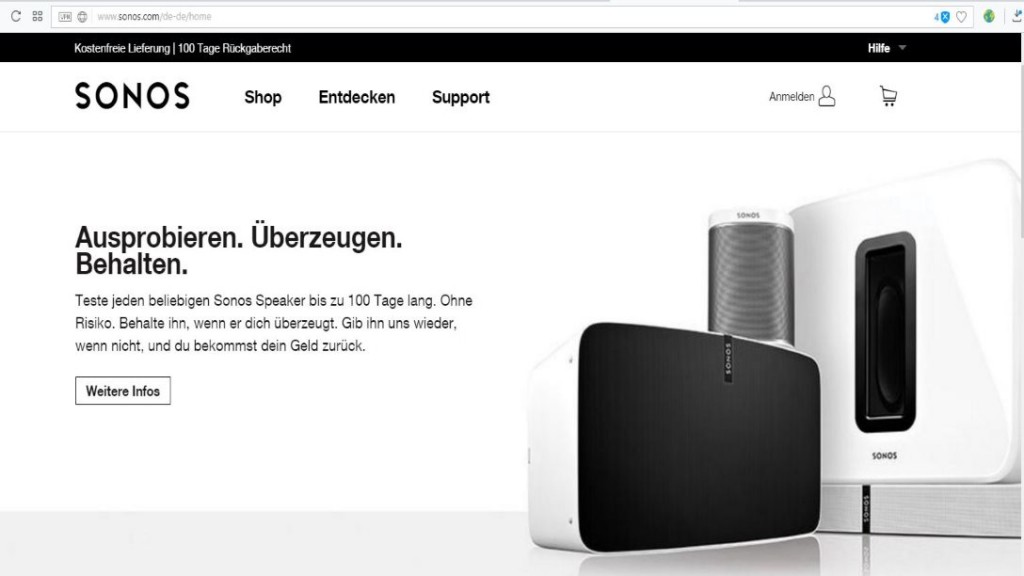
Sonos connect with TV
Especially for TV devices have been the play base and the Playbar is designed. The differences between the two Sonos speakers, we provide you with in the next tip.





