
No picture Apple TV – check cable and settings
Check the following points to your Apple TV again, a picture can be displayed:
- First of all, check whether the HDMI cable is correctly connected to Apple TV and Apple TV.
- At the same time, you should check the cable for damage or knots.
- Try a different HDMI Port on the TV, to the error limit.
- If you have another HDMI cable handy, you can test the also.
- On your TV, you should also ensure that you have selected the correct channel.
- Also, take a look in the settings of your TV. Perhaps some settings have been disabled or changed.
- Note that you should connect the Apple TV directly to the TV. You waive Receiver or Splitter of any kind.
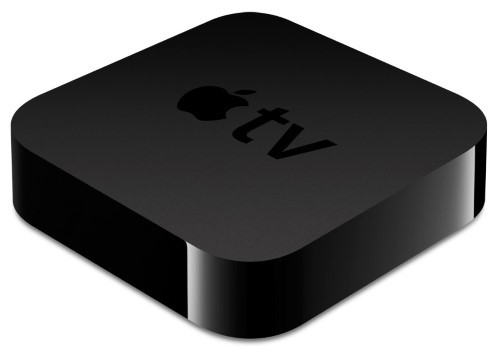
Apple TV not showing image
The 3 best Alternatives to Apple TV you find in our next practice tip.





