
Lumia does not light up: battery discharging?
The solution seems too simple, but sometimes wonder: If the battery of your Nokia Lumia is deeply discharged, it may take a while, until the mobile phone responds to the charger cable.
- The solution seems too simple, but sometimes wonder: If the battery of your Nokia Lumia is deeply discharged, it may take a while, until the mobile phone responds to the charger cable.
- To charge the battery of the phone for at least 20 minutes and then try again your Lumia to switch on.
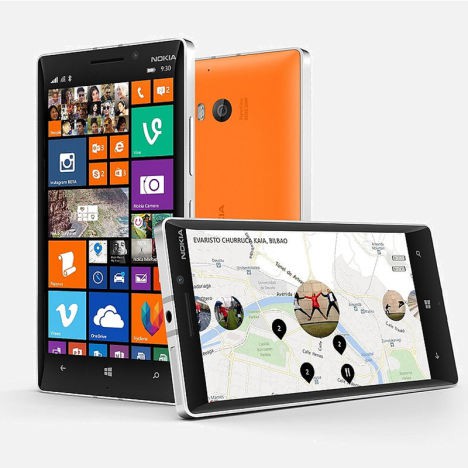
Nokia Lumia is no longer
Nokia Lumia not: force reboot
It is also possible that your phone is on, but the screen however, due to a Software error remains black. In this case, you try to force a reboot.
- And hold the on/off button and the volume down button for about 10 to 15 seconds.
- Release both buttons to start the phone new.
- You may need to adjust the time.
Lumia not: starts phone to factory settings
If your Lumia does not start still, you can try to reset it. All data will be deleted and factory settings restored.
- Disconnect your phone from the charger.
- Press at the same time as long as the-/ - and the volume-down button until the phone vibrates.
- Now press the volume down key until the screen appears an exclamation point.
- Off then press the volume and on/off button in the following order: volume up, volume down, -/, Quiet.
- Wait until your phone has been reset. When it restarts, log in with your Windows account to restore your data.

Nokia Lumia reset
Lumia does not start still
The Problem should not be how to fix this, you need to contact Nokia or a verified dealer.
- If your Nokia phone is still in warranty, you can take it one chicken. If you don't know whether your device is still in warranty, we can help you in a separate article next.
- Alternatively, you can use your phone with one of these providers for repair.

Nokia Lumia Support
We will show you in the next practice tip on how Windows Phone is a Backup.





