
Fitbit Alarm set on and off again
To be able to manage alarms, you need the App for Android or iOS, or alternatively, your Fitbit Dashboard on your PC.
- Call the Dashboard from the App or the PC and then go into the settings.
- Click on "alarms" (an App) or on "silent Alarm" (PC).
- Set with the plus sign a new Alarm or you then activate an existing Alarm with the click. In addition, specify if and when this is to be repeated.
- Then you need to your Fitbit still sync to the App, since the Alarm is otherwise not active.
- To set the Alarm off again, repeat the above-mentioned points. Now slide the Slider, however, from "A" to "Off". Remember to sync the Fitbit again.
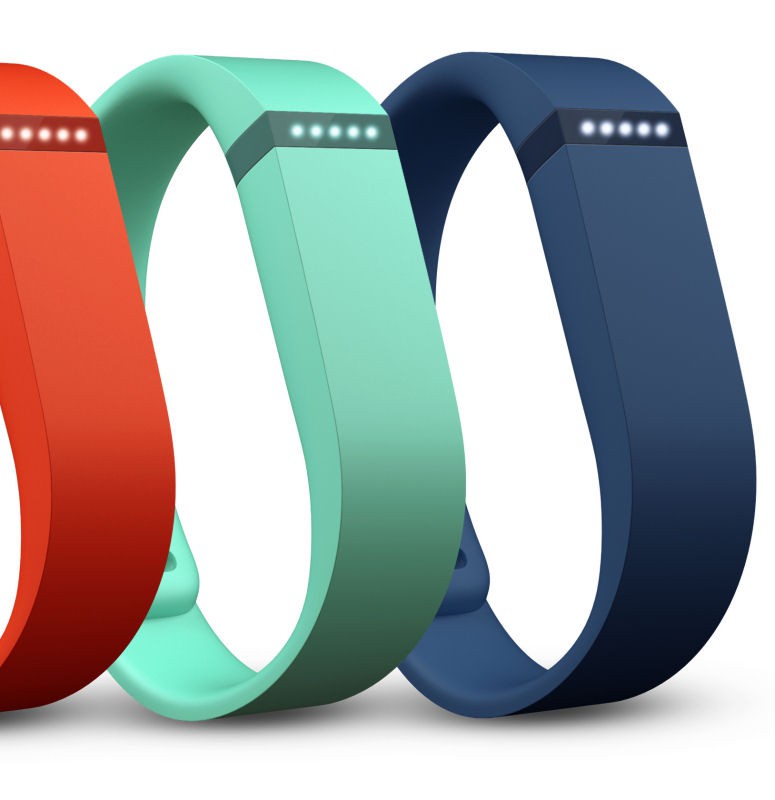
Fitbit Alarm on and off
We had also the Fitbit Surge in the CHIP Test to prove it. The Details we have summarized in a special article for you.





