
GIF animations in Google Chrome disable
What Firefox and Internet Explorer can already for a long time, is not supported by Chrome, unfortunately, Press on a Website on the Esc key stops the Animation. So they are upgrading the feature in Google's Browser:
- Download the Add-on Gif Stopper down.
- Top right, click on the blue Button "Free" and then on "Add".
- The Add-on will now be automatically included in Chrome.
- You are later on, on a site with an Animation such as a GIF image, simply press the Esc key on your keyboard. The Animation freezes immediately.
- This cannot be started again. Only if you reload the page, it starts the Animation again.
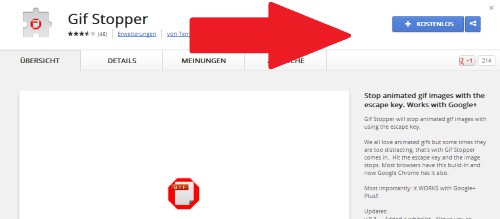
Gif Stopper Chrome
What is the difference between Chrome and Chromium is, you will learn in this practical tip.





