
Apple TV: Update is not installed
- The Update hangs for a longer time, remove your Router from power and connect it again after a few seconds. In many cases, the Problem is solved.
- This helps nothing, wait a little. Some users report Update procedures of up to three hours. You can Apple TV just to run your TV, you can turn off if needed, without hesitation.
- The Update is published recently, you are not the only one that downloads the Update. The following Apple website to see the current system status of the Apple TV.
- Download the Update via Wi-Fi, connect Apple TV via LAN cable to your Router and try again.
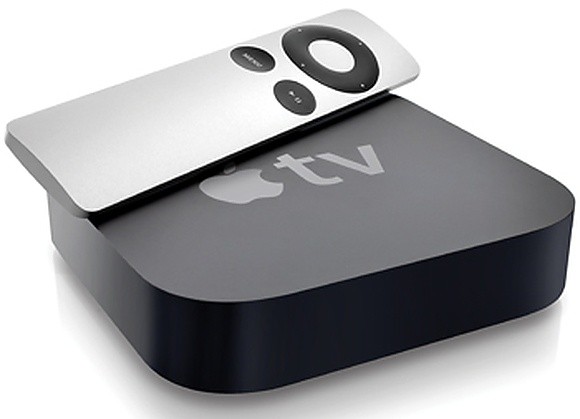
Update hangs on Apple TV
Apple-TV-Update depends: For problem solutions
- The Update remains for several hours, try to cancel it.
- Failing that, you still have to Remove the power cable. This way you should choose but only in case of emergency, as a result, the Firmware could be damaged.
- Such as your Apple TV, then factory reset, we show you in this practical tip.
Also read, how to listen to Spotify on Apple TV use.





