
Microsoft's replacement for Wunderlist: To-Do
- To Do is Microsoft's new, self-wrapped App to soft the benefit of Wunderlist coming soon must.
- In To-Do you can't add your responsibilities just a reminder, but also a Deadline for your Tasks. The tasks are automatically synchronized with your Office 365 account.
- The wonder list-the successor is still in the initial stage, therefore, is to come in the future, one or the other function.
- To-Do's App for Android and iOS , and as a program for your Windows computer. In addition, you can use the service in a Browser.

To-Do: the replacement for Wunderlist
Task coach: Open-Source Alternative to Wunderlist
- Task coach is a successful Open-Source Alternative to Wunderlist. You can add tasks, according to different criteria, rate and custom lists to sort.
- In task coach, you can also mark tasks as open or done, but also additional parameters, such as the progress of indicate.
- The wunderlist is an Alternative, therefore, comes with a very simple interface. You can organize your tasks, and thanks to the filter function a good Overview. The only drawback: The service is not available in English.
- Task coach allows you as an App for Android and iOS, or as a program for Windows, Linux and OS X download.
Task coach as a Wunderlist Alternative
Google Keep: wunderlist is an Alternative of Google
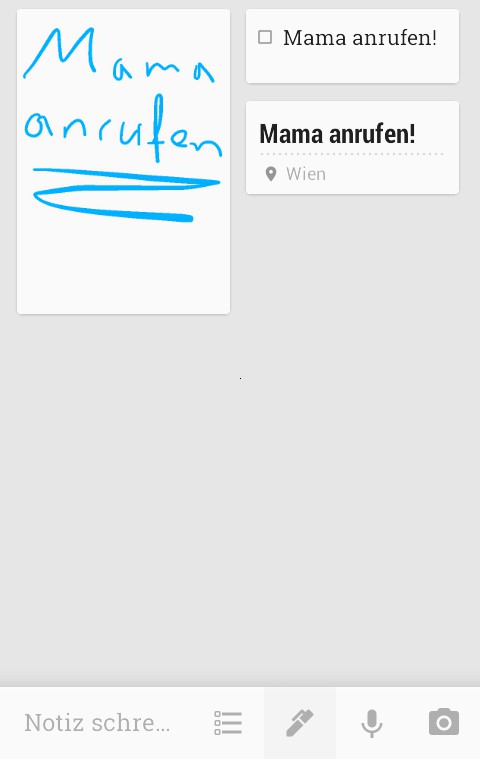
- Google Keep can keep up with wunderlist and Evernote easily. You can add notes, tasks, hand-written notes, photos and voice memos. The only weak point: you can not upload any file, and are therefore limited to the above-mentioned formats.
- A really great feature in Google Keep location reminder is. If you have installed the App on your Smartphone, you will see the reminder in the status bar once you are at the desired location. "Call me when you're there" has never been easier.
- You can see your notes in Google Keep on a kind of pin Board. However, you cannot add the Labels to lose the Overview.
- Google Keep you can in the Browser or as an App for Android and iOS use.
Tasks using Google Keep to manage
Todoist - a strong opponent for Wunderlist
- Just like wunderlist, it's all about Todoist ums to Create a task. You can't move your created Tasks in different folders, so as not to lose the Overview.
- A great Feature in Todoist is that you can assign the individual entries to the priority levels 1 to 4. So you will never miss what is really important.
- Todoist makes overall a very well thought-through impression. The features are useful and the user interface is intuitive and looks pretty good.
- Todoist is available as an App for Android and iOS, as a program for Windows and in Browser available.
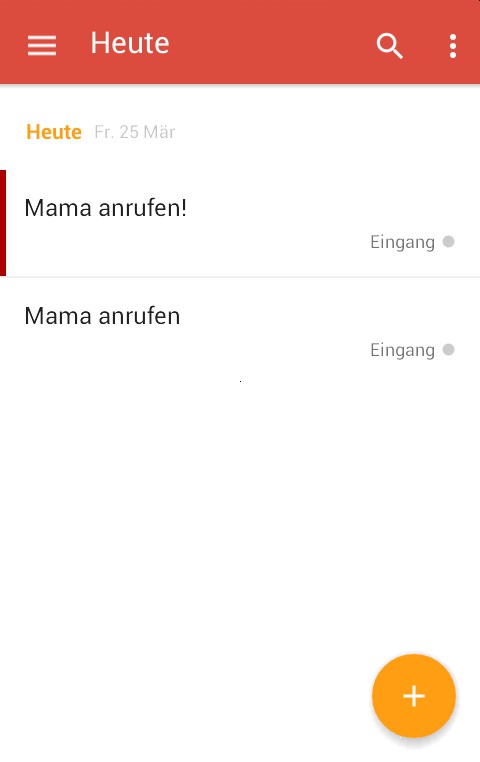
A worthy opponent for wonder list: Todoist
Zenkit: tasks alone and in Team cope
- Zenkit is focused mainly on project work. Of course, you can use the Tool also for the organization of everyday tasks, however, the focus is clearly on professional purposes.
- You create To-Do lists with various sub-points, the individual points in a calendar and make note of the current processing status of the work steps.
- They work together with a Team, you can divide the work among themselves, communicate with each other and always see who is responsible for what.
- You can use Zenkit with 1 to 5 people, the service is completely free. Only 6 people or 9 US dollars per Person per month.
- The best work on the Web App from Zenkit. Via the Apps for iOS and Android you can also access your work.

Wunderlist Is An Alternative Zenkit
In the next tip you will learn how to on your iPhone Todoist with Siri control can.





