
Twitter Timeline chronologically arrange – here it works
You want to sort the entries on the Twitter Timeline in chronological order, works this on an external website:
- Twitter is trying to get with new Updates from the crisis. Since the latest Update the entries in the Timeline are now ranked by relevance.
- A chronological arrangement as before, no longer takes place, so that the user must often look longer than before.
- Remedy creates here the Tool is TweetDeck. There you even have the option to use multiple Twitter Accounts.
- Simply log in with your existing Account and you will be directed to the Dashboard. This allows you to customize to your Liking.
- On the left you can find the Timeline that is chronologically arranged. You can customize their own search criteria.
- In addition to the Timeline, you can find on the page, your current messages or addressed to that person Tweets at a glance.
- If you are looking for a specific entry, offers TweetDeck, a detailed search function.
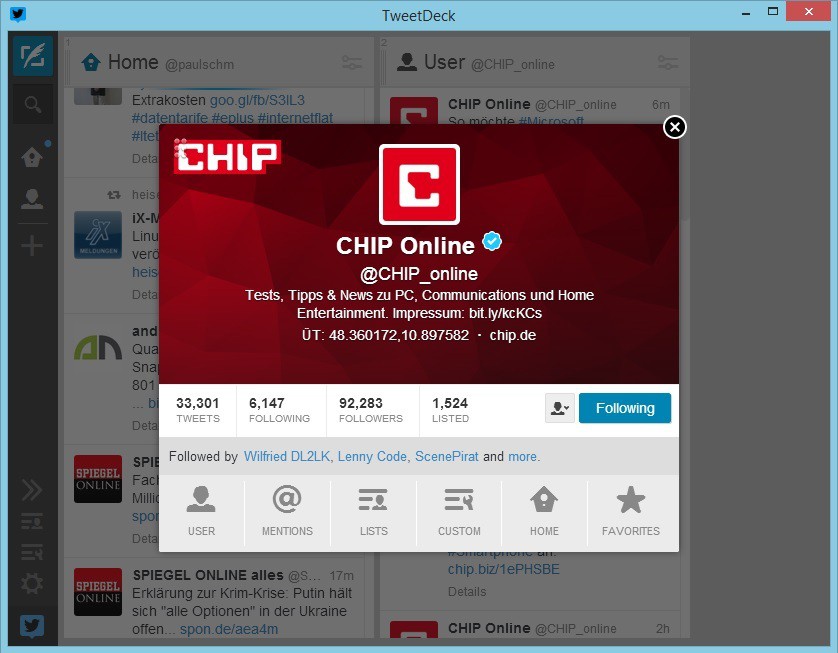
Twitter-Timeline chronologically
This practical tip is based on Tweetdeck 3.7.0 under Windows 7. In our next tip, we have the best tips about TweetDeck is for you.





