
NoScript in Firefox to install
- Download the NoScript Add-on. You can find it under this Link for free Download.
- Then click on the Button "install Now" and "restart Now". Then you find top right in the Browser, the NoScript-icon.
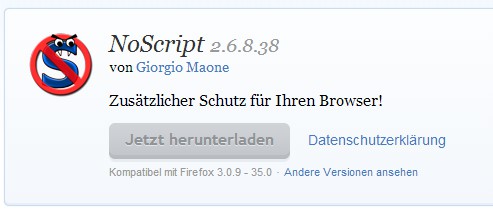
Firefox: NoScript install
Firefox: Javascript with NoScript blocking
Is NoScript enabled, it disables all JavaScript by default. An application that requires JavaScript, you need to allow this with a click on the application.
- Top right, click on the NoScript icon, you will find numerous options. Over the top features, you decide on the current website. Here is Allow, among other things, the temporary or permanent Blocking of a website possible.
- Below you will find the "settings". Here you can make various other configurations. Among other things, you can find here, a Whitelist of all allowed websites.
- Note: Some web pages are based mostly on JavaScript and can not be performed without it.

Firefox: NoScript-block JavaScript
In the next practical tip we will show you how you JavaScript in Chrome, disable.





