Video group chat in Facebook start
Note: first you must, of course, a group chat, create, before the Video conference can begin.
- Open the Facebook Messenger and select the desired group chat.
- Tap the top right of the camera icon starts the Video Chat.
- Now all members get a notification. This allows you to accept or reject.
- It is up to 50 people can join the Video group chat. A maximum of 6 people, however, are displayed at the same time.
- The Video group chat works both in the Messenger App on iOS and Android, as well as on the PC.
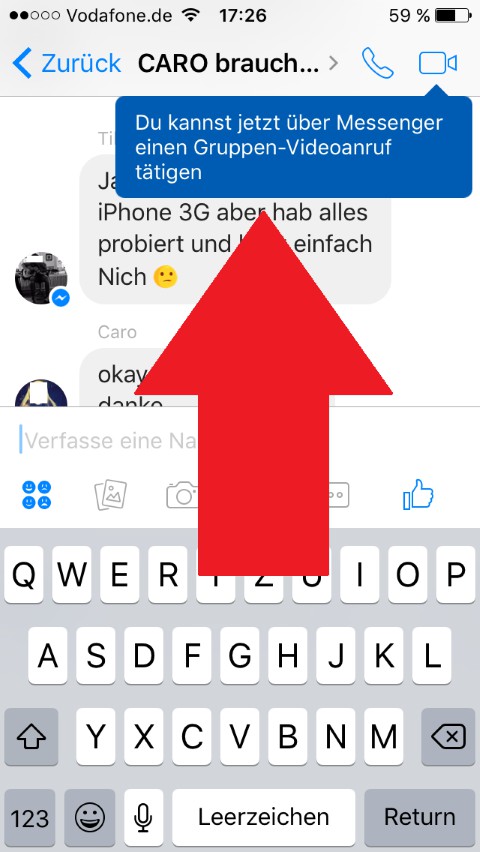
Facebook: Video-Chat in the group
In the next tip we tell you 7 things you don't yet have Facebook know.